
mut_check Mutation Expression Query
Module Introduction: The mut_check analysis tool is used to query mutations and coverage of genes or loci of interest from scFAST alignment results, obtain mutation detection results, and identify mutation-positive cells.
Applicable Scenarios
The scFAST analysis pipeline performs single-cell transcriptome upstream analysis based on full-length sequence data, including steps such as data alignment, mutation detection and annotation, filtering, and single-cell level statistics. The standard analysis pipeline applies strict filtering on metrics such as mutation frequency, mutation type, reads/UMI/barcode support, strand bias, and population frequency. Some mutations of interest may be discarded due to not meeting filtering thresholds. The mut_check tool performs targeted queries on regions of interest based on existing alignment results and returns detected mutation information for subsequent joint analysis.
Cloud Platform Operation Guide
Module Entry
After entering the cloud platform, select the mut_check tool from Resource Overview → My Tools.
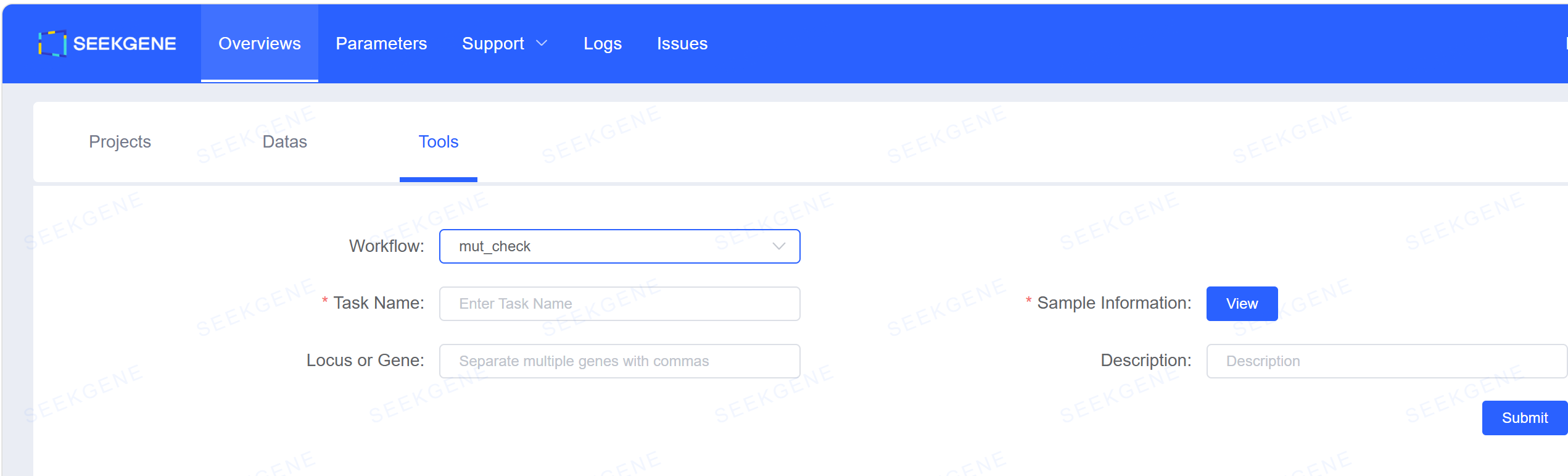
Parameter Configuration
| Parameter | Description | Example/Default |
|---|---|---|
| Workflow | Fixed as mut_check | mut_check |
| Task Name | Current task name, must not duplicate historical task names | TP53_check_20260923 |
| Sample Information | Enter complete sample name; analysis batch and file OSS path are auto-matched, verify analysis batch carefully | See below |
| Loci or Gene | Genes or loci of interest, multiple separated by English commas | TP53,EGFP,chr20:32434638-32434638,chr21:34887015-34887015 |
| Description | Task description (optional) | TP53 R273H mutation query |
Sample Info Configuration
Enter the complete sample name in the "Sample Name" column to automatically populate reference genome version and data path information.
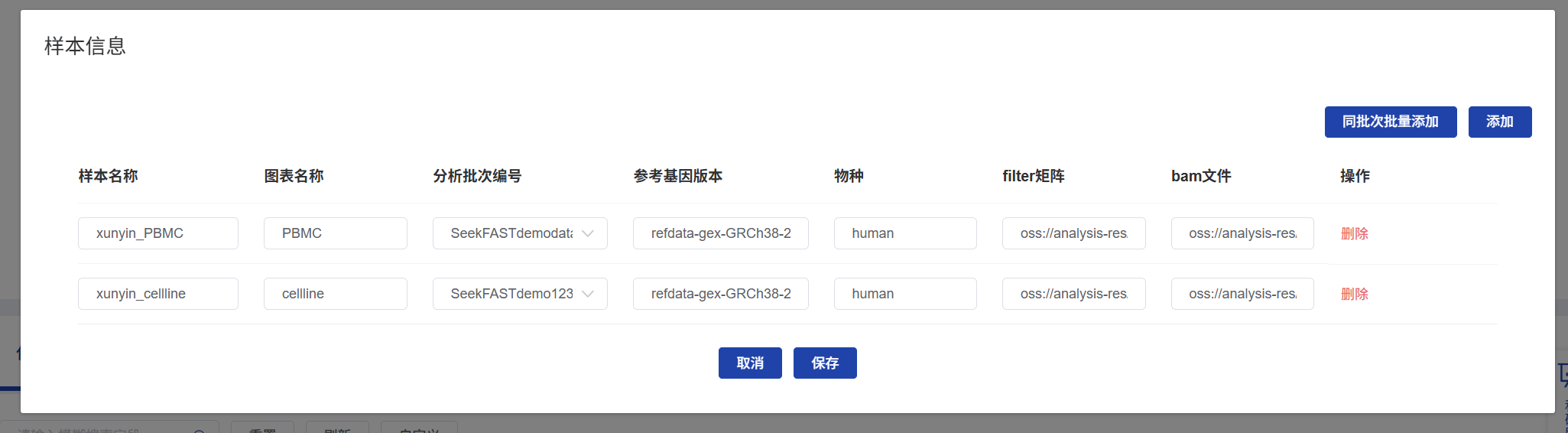
Submit the analysis after filling in all required parameters.
Parameter Configuration Notes
Gene Names
- Must be Symbol names.
- Case must be correct (e.g.,
TP53nottp53).
Locus Format
- Format is chromosome:start-end.
- Chromosome names must be consistent with the reference genome (note whether
chrprefix is included). - Interval coordinates must correspond to the genome version:
- If standard analysis uses hg38, enter hg38 coordinates here.
- If standard analysis uses hg19, enter hg19 coordinates here.
- For single-locus queries, start and end positions can be the same.
Multi-batch Samples
- If the same sample has been processed in multiple standard analysis batches, verify carefully and select the correct analysis batch.
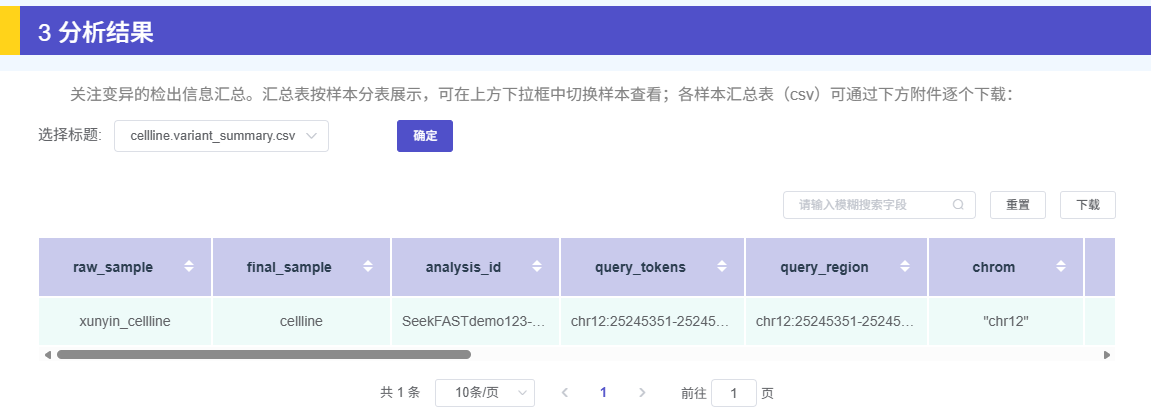
Analysis Results
Mutation Detection Summary Table
This table displays mutation locations, mutation reads count, coverage reads count, and whether the mutation is included in the standard analysis results (with filtering reasons if excluded).
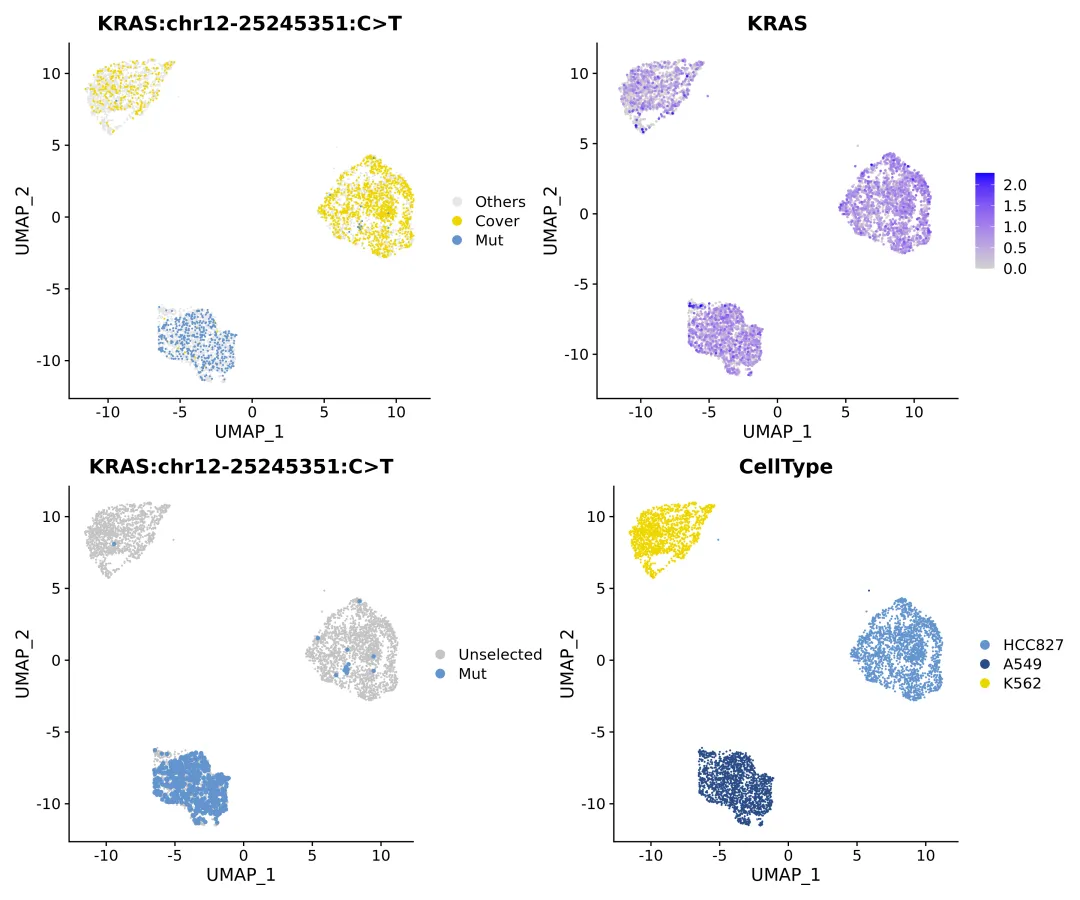
Mutation-Positive Cell Visualization
Generates UMAP plots of mutation-positive cells to visually display the distribution of mutated cells.
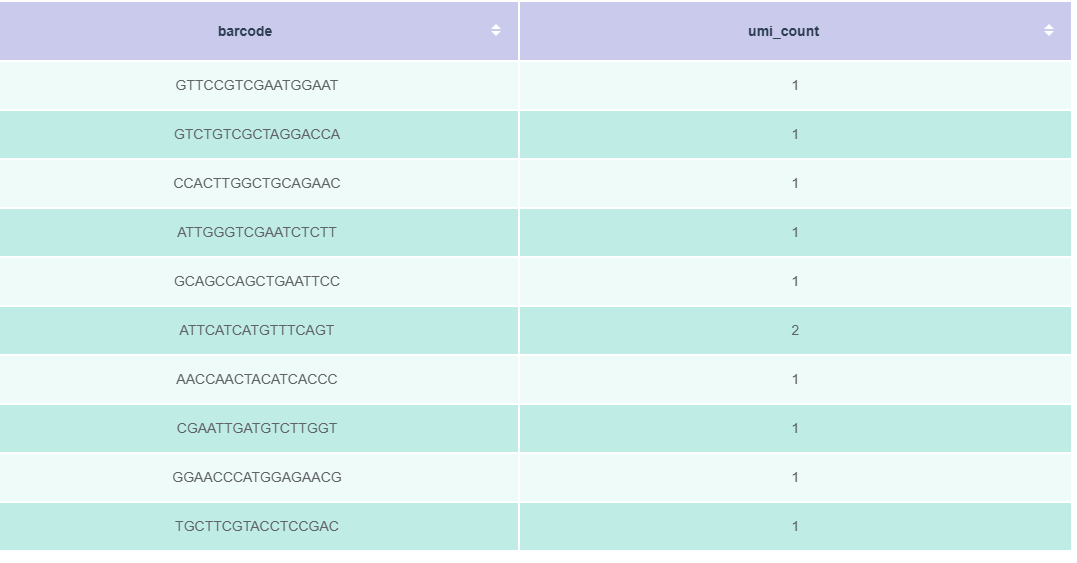
Mutation-Positive Cell Table
Outputs detailed information tables for mutation-positive cells.
TIP
This table can be added to transcriptome data labels via the Auxiliary Info → Table Upload function in the corresponding cloud platform workflow for subsequent joint analysis.